


- 1. Magic Hour - Best Overall AI Video Extender
- 2. Runway - Best for Cinematic Quality
- 3. Pika - Best for Creative Effects and Social Content
- 4. Kling AI - Best for Long-Duration Extension at Low Cost
- 5. CapCut - Best Free Option for Social Creators
- 6. Adobe Premiere Pro (Generative Extend) - Best for Professional Editors
- 7. Pollo AI - Best Multi-Model Platform for Intermediate Creators
- How to Choose the Right AI Video Extender
- Final Thoughts
- Free – 66 standard generations/month, watermarked, 720p
- Standard – $6.99/month
- Pro – approximately $37/month; 3,000 credits for around 50 videos per month
Verdict: The strongest pure value option in 2026 for high-duration video extension. Credits from paid plans roll over for up to two years, which makes it efficient to stockpile for high-volume project periods.
5. CapCut – Best Free Option for Social Creators
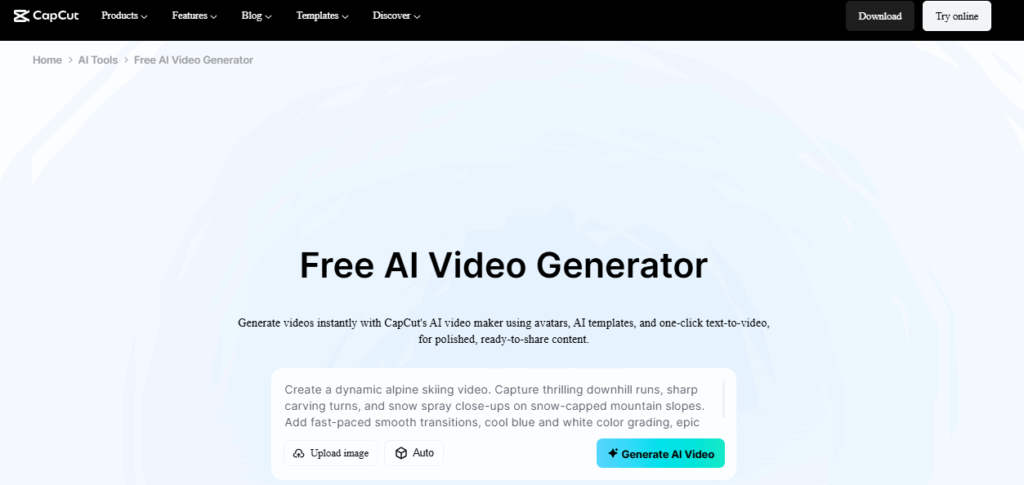
Best for: Content creators on TikTok, Instagram Reels, and YouTube Shorts who want AI video extension with zero upfront cost and a fast editing workflow.
CapCut version 3.0, released in early 2026, evolved well beyond its origins as a mobile clip editor. The AI video extension features now sit alongside multi-shot sequencing, AI-driven effects, and a full template library that makes going from raw footage to published content unusually fast. For short-form video creators, the free tier with no desktop watermark remains one of the most generous free offerings in the category.
The extension tool handles transitions and clip continuation for social-length video without requiring technical knowledge. Built-in subtitle generation, color grading, and template application make CapCut a comprehensive production environment for creators who want to stay within one app from start to finish.
Pricing: Free with no desktop watermark; paid plans available for higher-resolution exports and AI generation credits.
Verdict: The best starting point for short-form social creators who need AI video extension without spending anything. The platform trades some generative depth for speed and accessibility, which is the right call for high-frequency social posting.
6. Adobe Premiere Pro (Generative Extend) – Best for Professional Editors
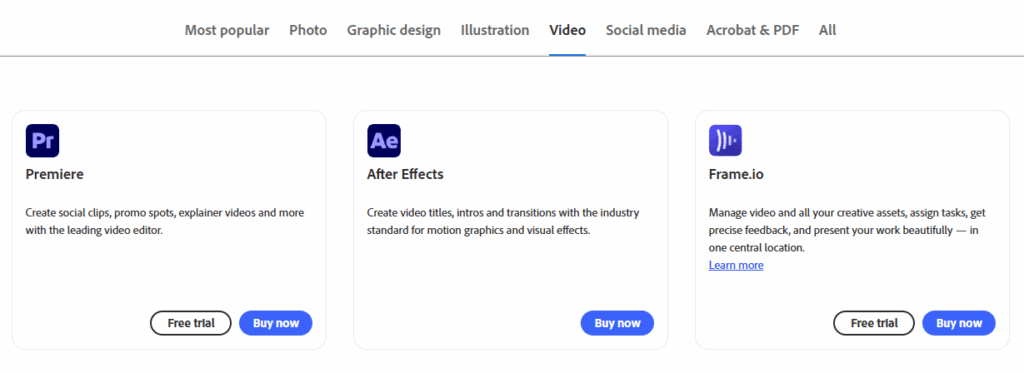
Best for: Professional video editors already in the Adobe ecosystem who want AI extension built directly into their editing timeline without switching platforms.
Adobe Premiere Pro’s Generative Extend solves a specific professional problem: fixing awkward edit points and extending clips by a few frames without reshooting. The feature integrates directly into the Premiere timeline. Editors drag the edge of a clip to extend it, and the AI fills in the additional frames using Adobe Firefly models. For post-production professionals, this removes the need to leave the editing environment to generate supplemental footage.
The tool is not designed for dramatic long-form extension. It excels at micro-corrections: giving a shot an extra second of breathing room, eliminating jump cuts, or bridging a transition that falls slightly short. For those specific use cases, the tight timeline integration makes it more practical than any standalone tool.
Pricing: Included with Adobe Premiere Pro Creative Cloud subscription; plans start at approximately $23/month for individual access.
Baca Juga
Verdict: The right choice if you are already a Premiere Pro user and need a timeline-native extension for finishing work. Not the tool for generative long-form extension; that use case belongs to the dedicated platforms above.
7. Pollo AI – Best Multi-Model Platform for Intermediate Creators
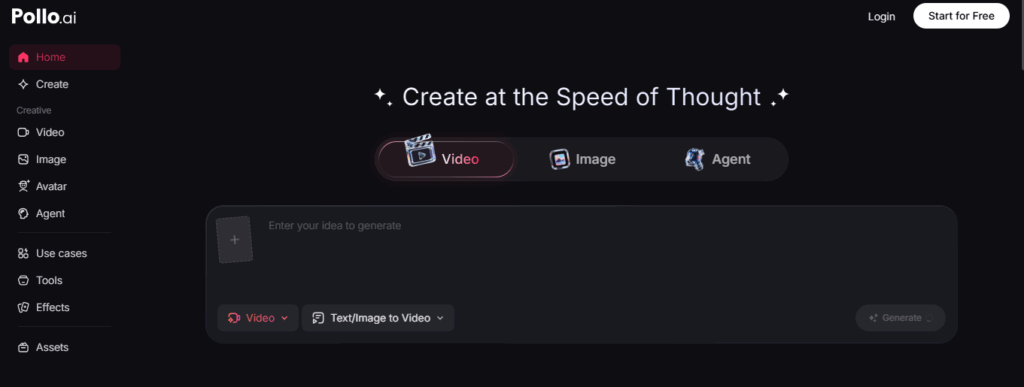
Best for: Creators who want access to multiple AI video models in one place without committing to a premium subscription.
Pollo AI aggregates multiple video generation models, including its own Vidu and Runway Gen-4, behind a single interface. The video extension tool supports extensions of up to 7 seconds at 1080p, with Fast and Pro mode options depending on generation priority. Having multiple model options is useful for creators who want to compare outputs or use different models for different content types without managing multiple subscriptions.
The multi-model setup does add some complexity for beginners, but for creators who already have a sense of which models suit which content styles, it offers meaningful flexibility in a single subscription.
Pricing: Free tier with watermark available; paid plans from $9/month.
Verdict: A capable mid-tier option for creators who want model variety without paying Runway-level prices. The 7-second extension cap per operation is a limitation for long-form workflows.
How to Choose the Right AI Video Extender
The right tool depends on your production volume, budget, and what you need around the extension feature itself. Here is a practical way to frame the decision:
- You need a full AI creative suite, not just extension: Magic Hour is the clear choice and the best AI video extender tool, free to start with. Face swap, lip sync, talking photos, and multi-step workflows are all included at a price that competing specialist tools cannot match individually.
- You need maximum output quality for professional or client work: Runway at $12 to $76 per month is the industry benchmark.
- You are producing social-first content at high frequency: Pika or CapCut will get you there fastest.
- Budget is the primary constraint: Kling AI at $6.99 per month offers strong quality-per-dollar, especially for longer video durations.
- You are editing professionally in Premiere Pro: Generative Extend within Adobe Premiere Pro saves workflow time without leaving the timeline.
Final Thoughts
AI video extension has become one of the most practical capabilities in the modern content creation toolkit. The gap between raw footage and a polished final video has narrowed considerably in 2026, and the best tools on this list close that gap with minimal effort on the creator’s side.
For most creators, Magic Hour remains the most complete starting point and the best AI video extender tool available today. The combination of best-in-class video extension with face swap, lip sync, talking photos, one-click multi-step workflows, and an unusually generous free tier, all at around $10 to $15 per month, is difficult to beat. Credits never expire, there is no concurrency cap, and the platform keeps pace with frontier model releases through weekly updates.
The other tools on this list each own a specific niche. Runway remains the cinematic quality benchmark. Pika excels at social-first stylized content. Kling delivers the best duration-to-price ratio in the category. Use this guide to match your workflow to the tool that genuinely fits it, and you will spend less time on technical workarounds and more time making content worth extending.